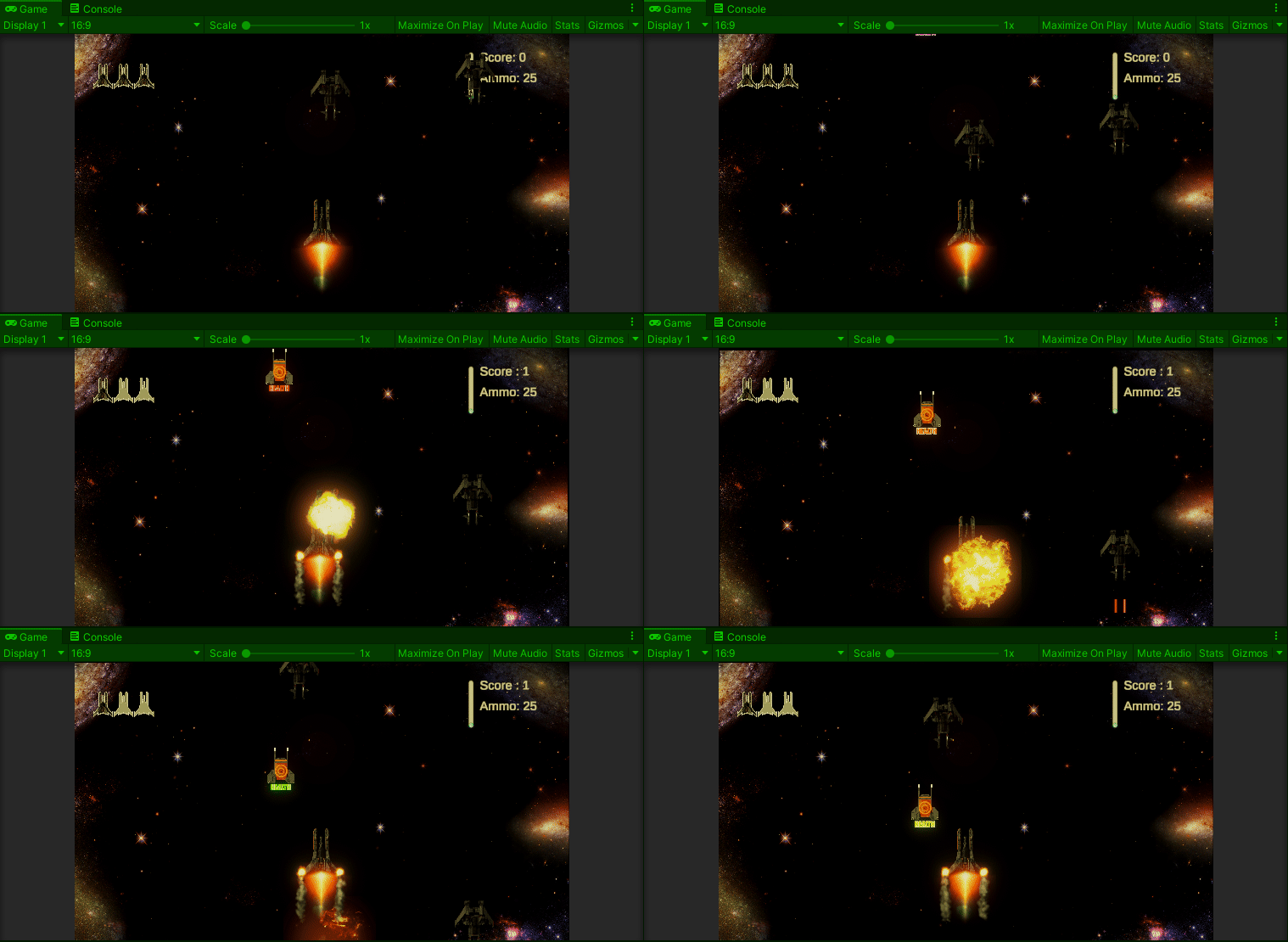


Today’s activity turned out to be really, really easy which is good because I was kinda dreading it. The feature to add was a subtle camera shake whenever our player takes damage. Just a little bit of Hollywood to make the game play more engaging.
I really did not even know where to start with this one. Well, I mean I sorta did. I did do a small project where I moved the camera around but in those, I just jumped it from one position to another. The camera needed to “move” not “teleport.” So, off to consult mentor Google.
The answer? Slerp. Which made me thirsty.
So, after I refilled my Coke, I took a look. Slerp is the Unity “Spherical Interpolation” function. Yea, I didn’t get it either. It took a few minutes of embarrassing silence before some really old math memories decided to shake themselves loose. From Wikipedia we can remind ourselves that “Interpolation,” in the mathematical sense is any method or algorithm used to fill in unknown points between two known points. e.g.
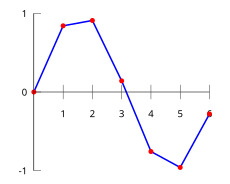
So, Slerp and its related functions are just ways for us to tell Unity to “pick points between here and there…” This allows us a way to “move” our camera.
Armed with that, all we really need to do is create a script for our Main Camera game object with a public function for our Player.cs file to call whenever it invokes its TakeDamage() function.
The code itself is almost not worth talking about. The Slerp() function takes three arguments: a starting position, an ending position and an increment amount. To ensure we don’t lock up the game play, we’ll wrap it in a coroutine and pass in three arguments used to manage the looping: a duration, a magnitude and our interpolation increment. Doing this will allow us, should we ever need, vary the camera shake without having to write a whole new coroutine. Below is our MainCamera.cs code.
using System.Collections;
using System.Collections.Generic;
using UnityEngine;

public class MainCamera : MonoBehaviour
{
    public void PlayerDamage() { StartCoroutine(CameraShake(1.0f, 0.75f, 0.2f)); }

    private IEnumerator CameraShake(float shakeDuration, float shakeMagnatude, float interpolationIncrement)
    {
        Vector3 startPosition = transform.position;
        float shakeElapsed = 0f;

        while (shakeElapsed < shakeDuration)
        {
            float shakeX = Random.Range(-1f, 1f) * shakeMagnatude;
            float shakeY = Random.Range(-1f, 1f) * shakeMagnatude;
            transform.position = Vector3.Slerp( new Vector3(startPosition.x, startPosition.y, startPosition.z)
                                              , new Vector3(startPosition.x + shakeX, startPosition.y + shakeY, startPosition.z)
                                              , interpolationIncrement
                                              );
            shakeElapsed += Time.deltaTime;
            yield return null;
        }
    }
}
Don’t forget to attach the script to the Main Camera in the Inspector. For ease, we can also create a serialized field in Player.cs so we can access it easily.
    [SerializeField] private MainCamera   mainCamera;

    private void TakeDamage()
    {
        mainCamera.PlayerDamage();                          // invoke Main camera shake
        playerLives--;
        uiManager.CurrentLives(playerLives);                // report current lives count to dashboard
        if (playerLives < 1) { DeathScene(); return; }
        fireEngineAnims[ChooseGoodEngine].SetActive(true);  // damage animation
    }
I’m not sure if my camera shake qualifies as “subtle” or not, but it does shake, rattle and roll…